






 Hi Tron Fans!
Lately, we have done some helpful upgrades in our Led Strip Studio so we have decided to create a brand new tutorial for you with this upgrades included.
This tutorial should contain everything you need for programming your own LED show. If there is still something more you are searching for, please check our additional tutorials.
Still don´t have the LSS software? Download it from HERE open Tron workspace and try everything by yourself now!
Timing:
00:11 – 02:11 – Introduction to the workspace – In this part, you can see how the workspace looks like and how you can adjust it for your personal usage.
02:11 – 02:35 – Insert a background picture – You can see, how to load the background picture from your PC directly to the workspace.
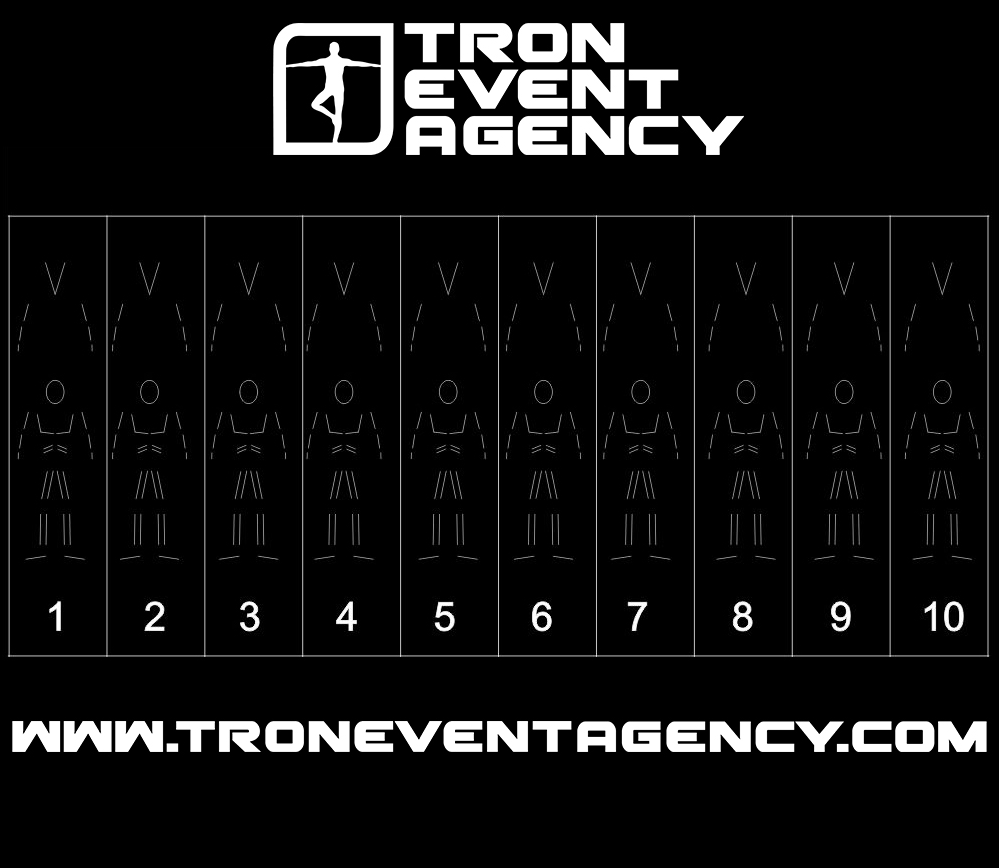
02:35 – 03:23 – Insert the music – With simple steps, you can add your favorite song to the timeline. Is your music just in .mp3 format? No problem, our software will automatically convert it to .wav.
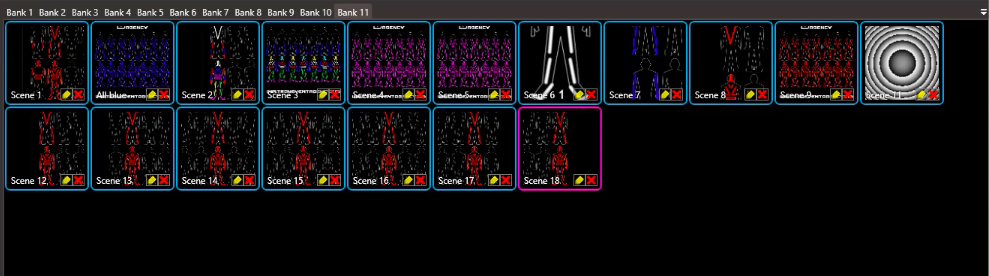
03:23 – 08:05 – Create the scenes – In this part of the video, we introduce you multiple ways, how to create the scenes in LSS software.
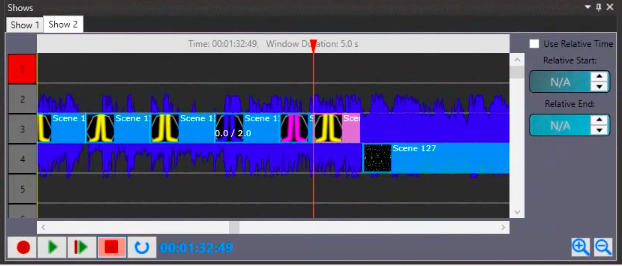
08:05 – 11:41 – Work with the timeline – What are the basic rules when you work with the timeline? We will show you the main functions.
11:41 – 13:25 – Create a strobe effect – A very useful feature. You can create an interesting effect and adjust the frequency of suit blinking.
13:25 – 14:50 – Use the selection groups – This feature helps you to program faster and easier.
14:50 – 15:50 – Copy the scenes – A useful feature. You can copy the effect and use it afterward.
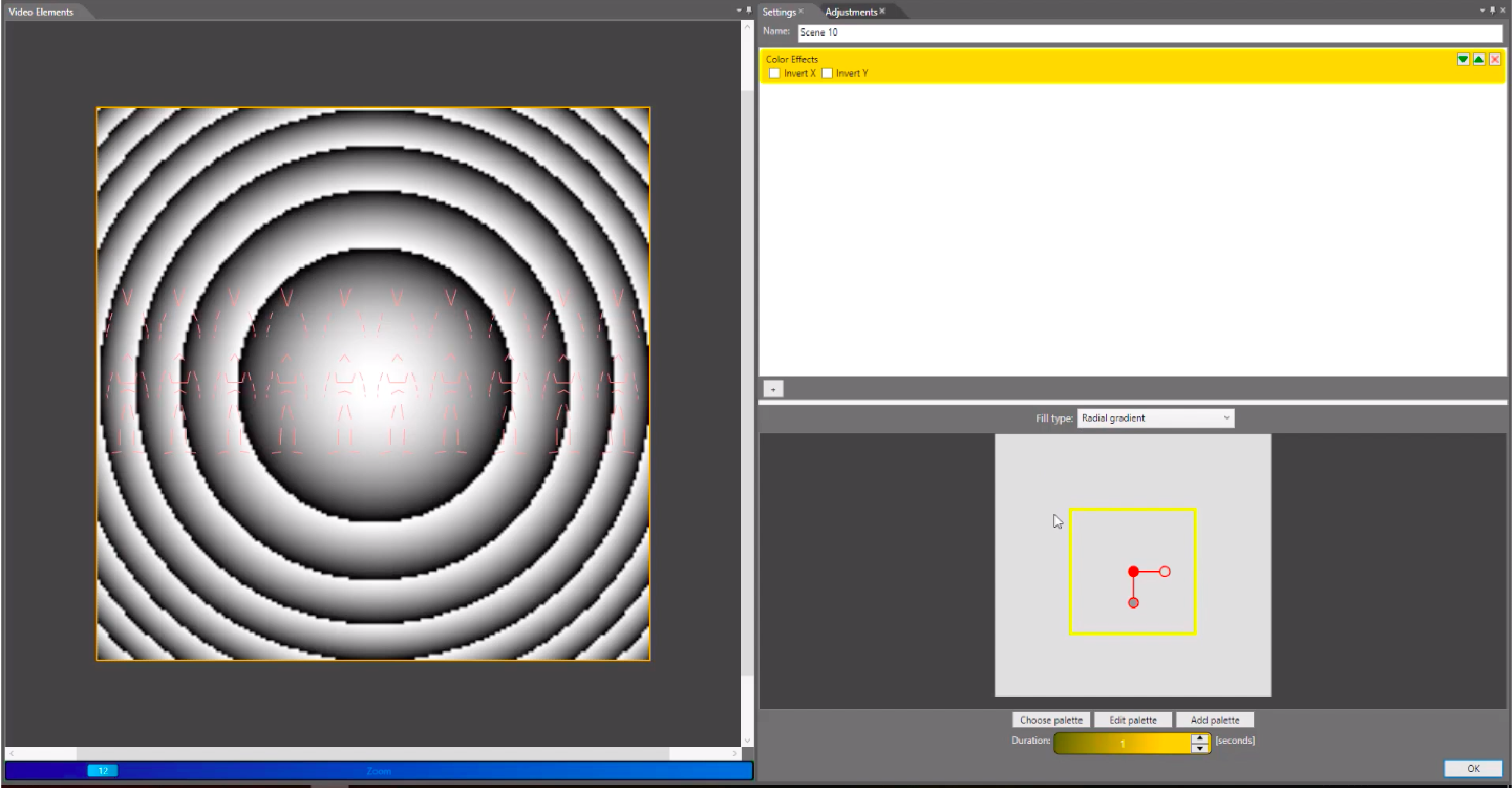
15:50 – 18:40 – Create a video effect – Are you fed up with the simple analog effects? Let´s check what you can do with the video effects!
18:40 – 19:00 – Save the show – How you can save your progress during the programming.
19:00 – 19:25 – Tron Dance Show with the timeline – Final product, how your show will look when it is done!
Do you have any additional questions? Don´t hesitate to ask us anything, we are very happy to give you all the answers. You can do it here!