 By Tron Event Agency
Useful tutorials
Link to this section: Useful tutorialsHave you seen our LED Strip Studio – Basic functions tutorial, but there are still some things you do not understand? We have prepared a few more tutorials for you, to cover everything that you may need when you buy Tron Dance suits.
Still don’t have the LSS software? Download it from HERE, open Tron workspace and try everything by yourself now!
- Synchronize The Main Controller with Tron Receiver:
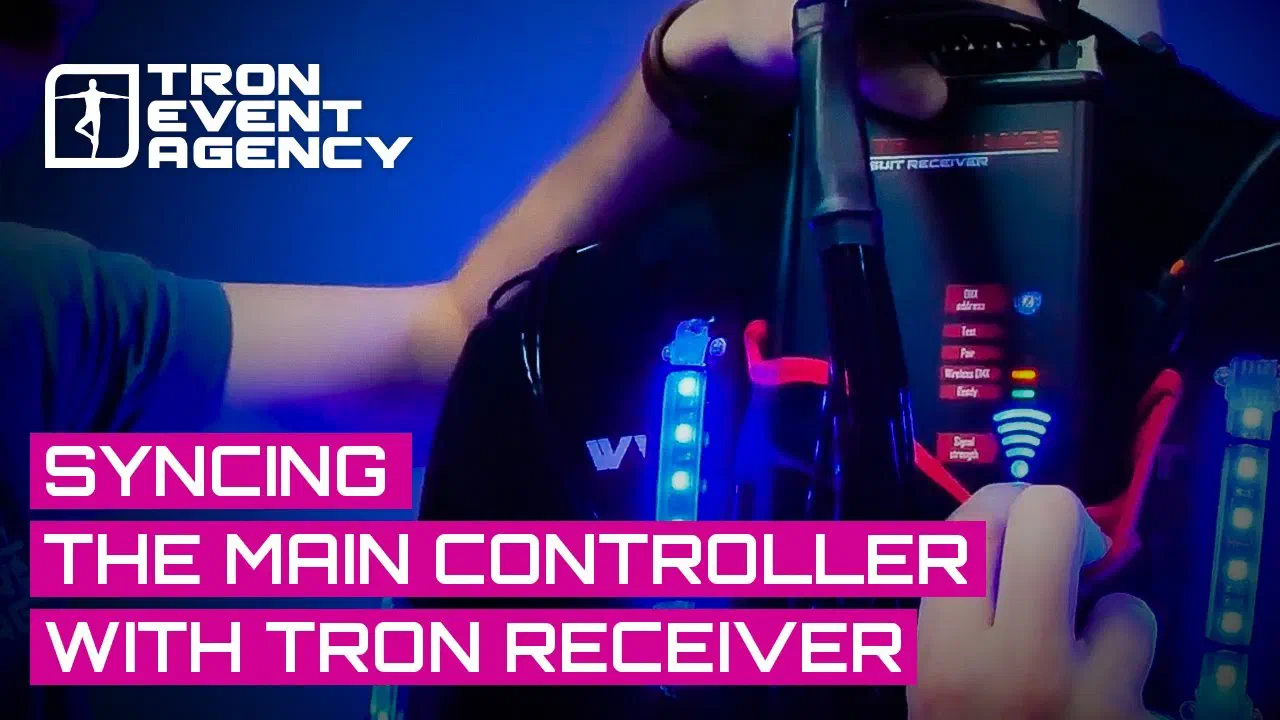
Here you can see how to pair the main controller with Tron Receiver in 1 minute.
- Connect IP address:
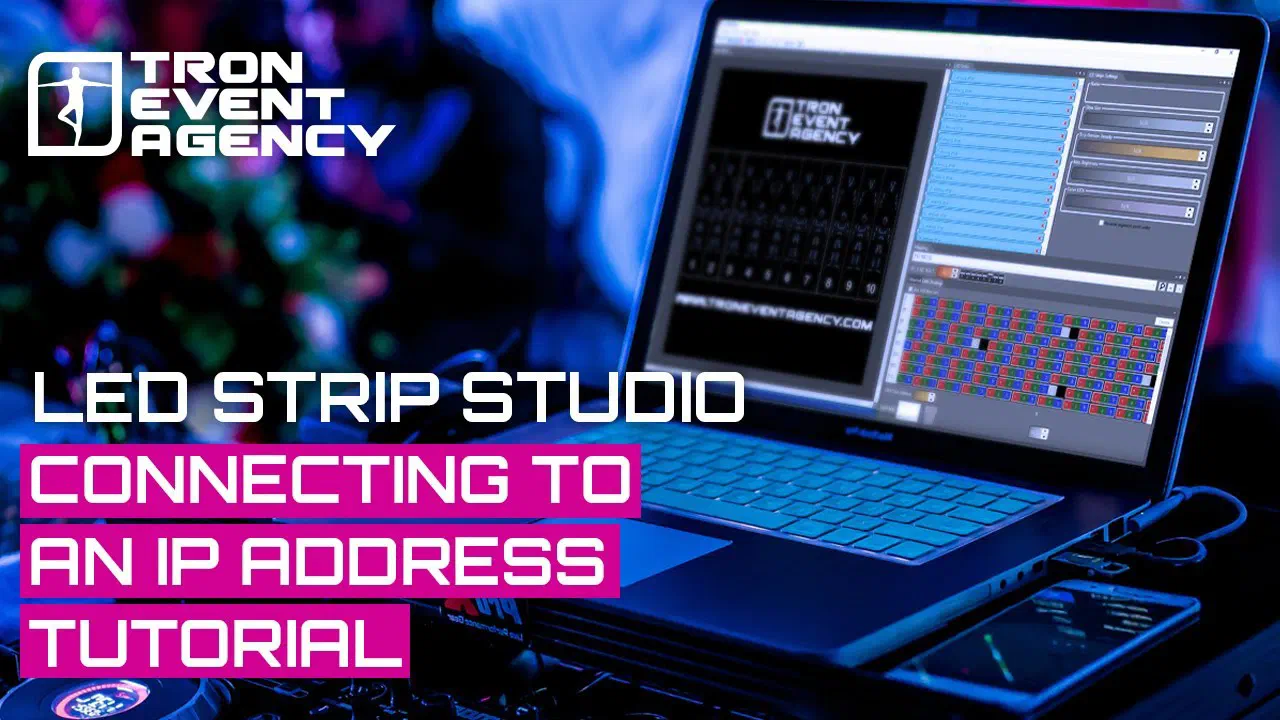
In this video, you can find out how to search for the IP address in LED Strip Studio software and how to connect it to Tron Controller.
- Adjust brightness:
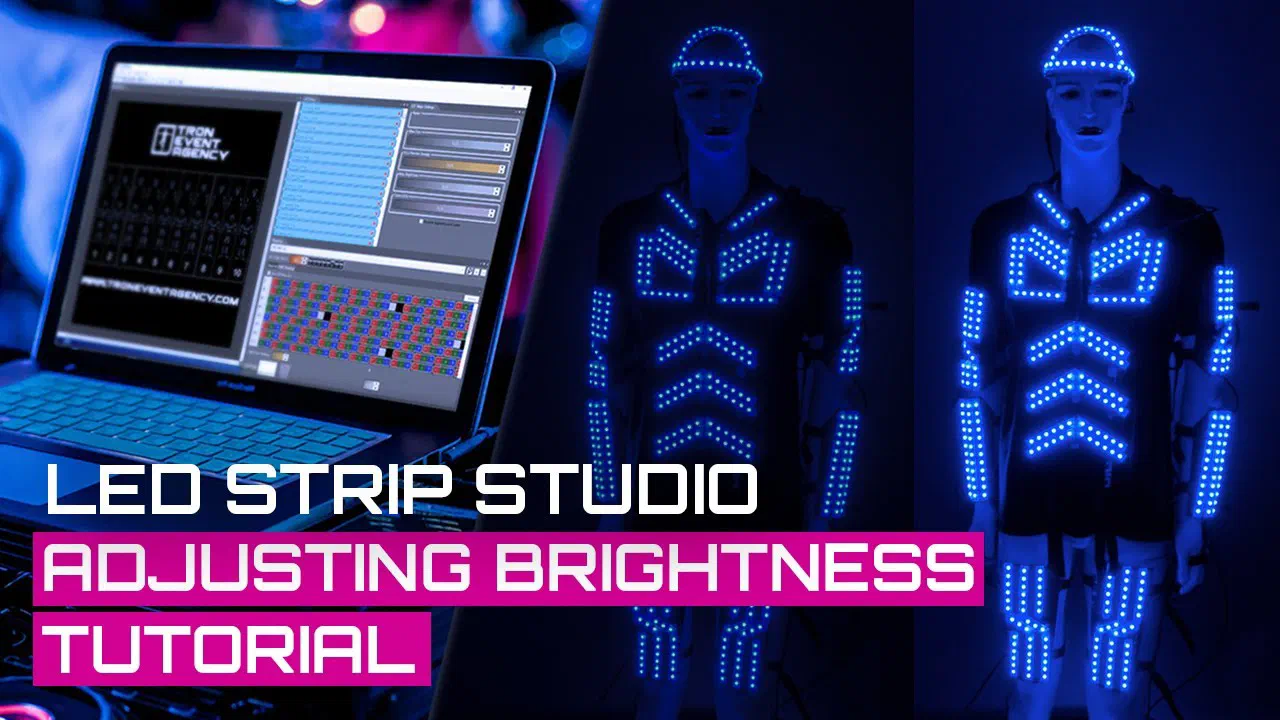
In this video, we are going to show you how to change the maximum level of brightness range in the mapping settings.
- Connect 20 dancers:
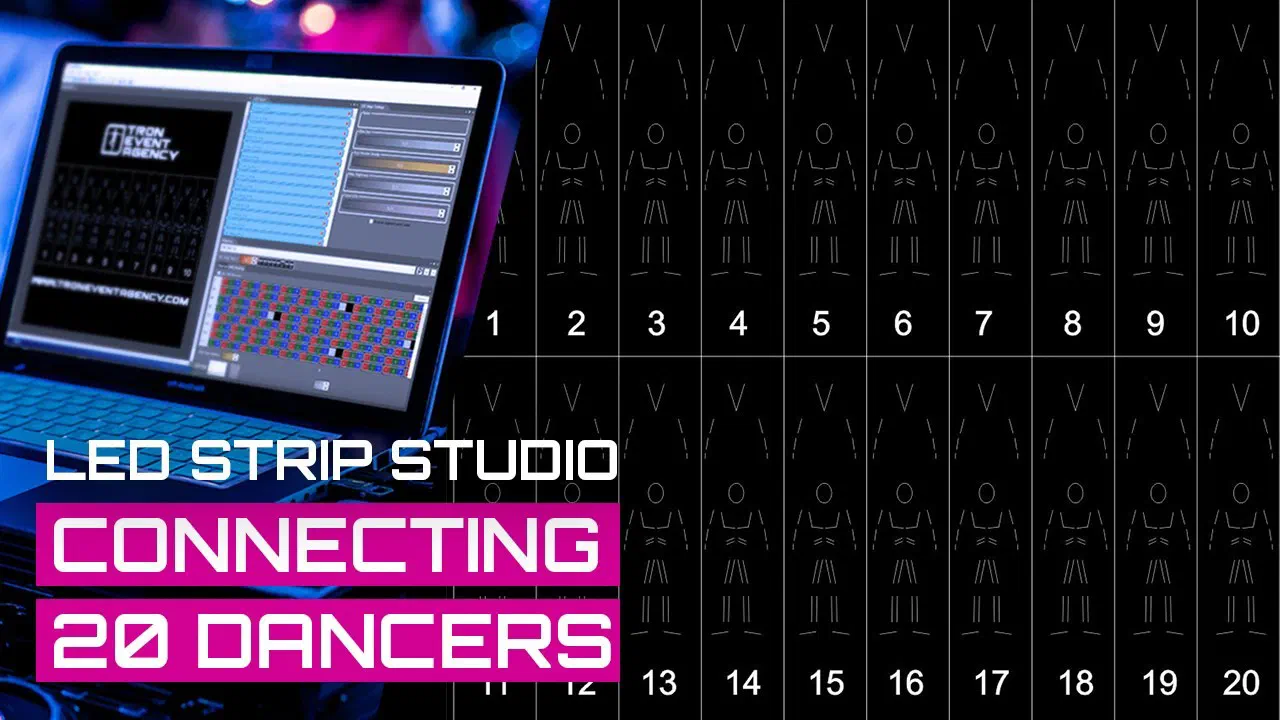
Connecting 20 dancers into one software? No problem!
- Set timecode:
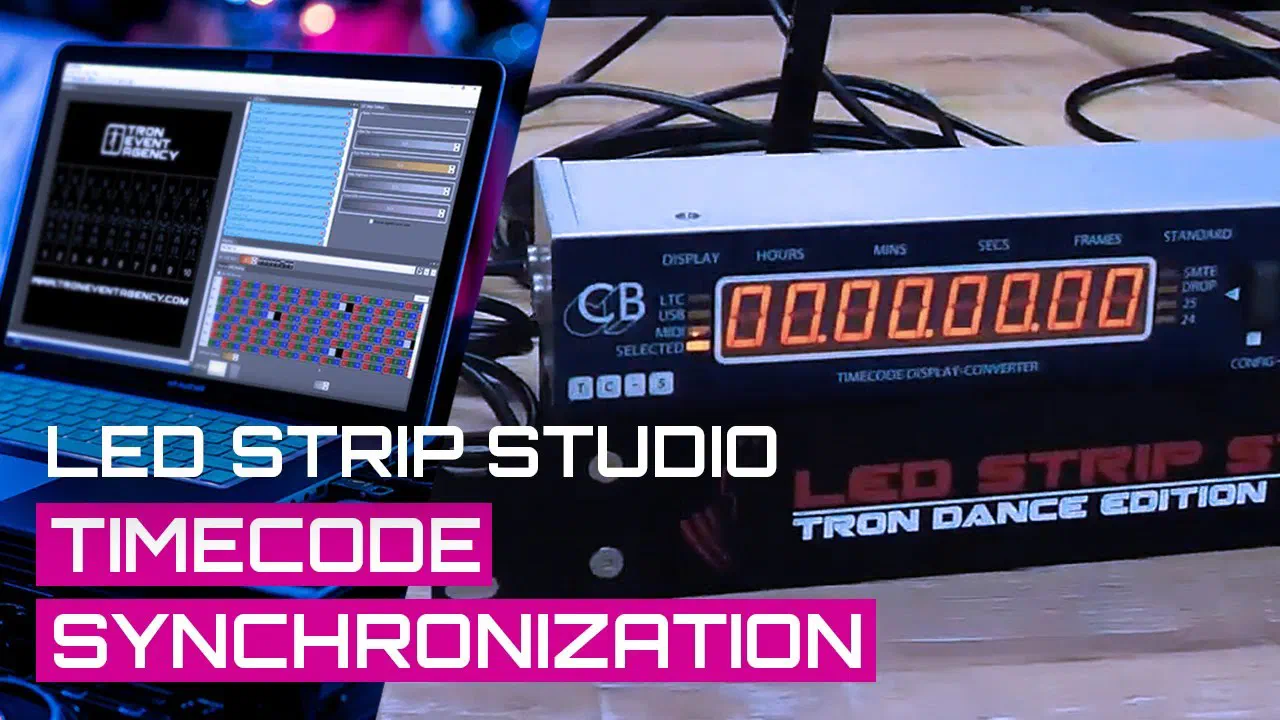
How to synchronize timecode with LED Strip Studio software? Just a few steps are needed to do so.
- Export effects to SD card:
Do you want to make the costumes work outside without any signal? It is very easy! Just export the effects to your SD card and plug it into the Tron receiver.
Have you found everything you need? If not, do not hesitate to contact me HERE!