 By Tron Event Agency
You have a problem, we have a solution
Link to this section: You have a problem, we have a solutionHello Tron Dancers,
In this blog, we are going to describe what kind of problems can occur during the show with our controllers & LED suits, how to discover and fix them.
We are writing about all kinds of things that are possible to happen but it does not mean they will happen :). Hope this blog will help you to become a better Tron Dancer!
For creating a Tron Dance show we work with three different segments:
- Software LED Strip Studio
- Hardware
- Tron Dance Suit
Possible software problems:
Link to this section: Possible software problems:Your workspace is “offline”
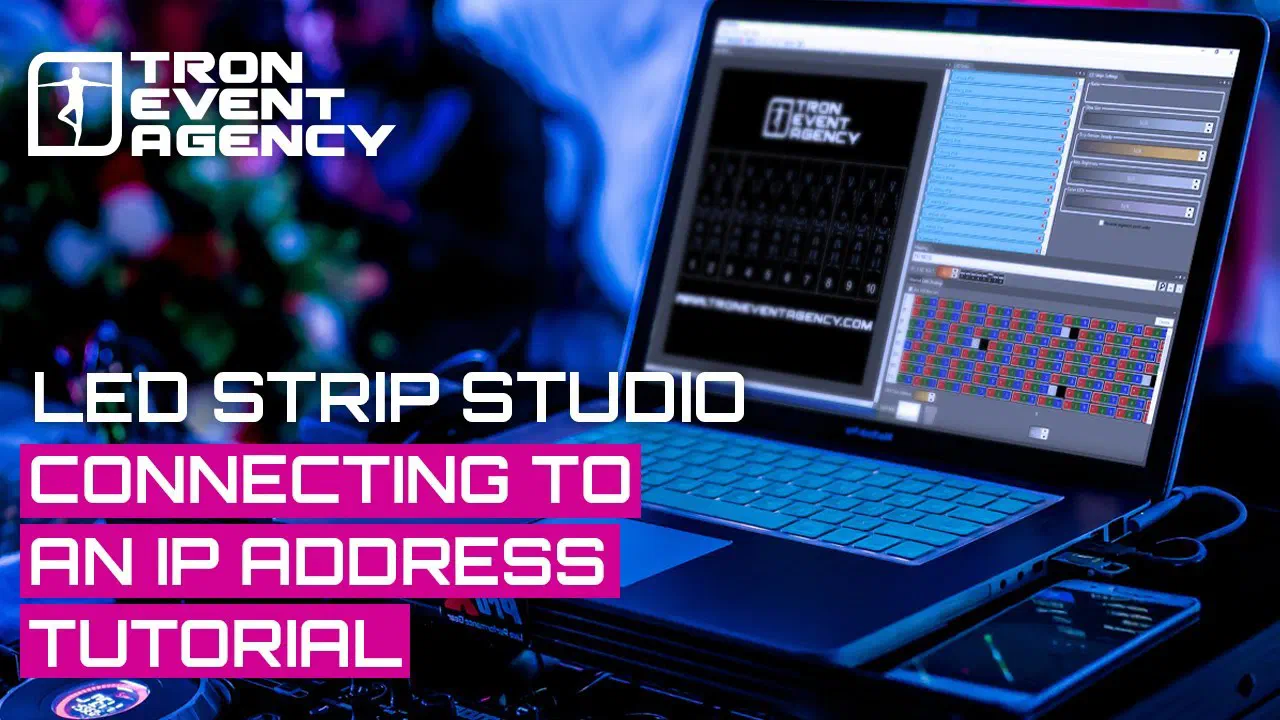
Link to this section: Your workspace is “offline”This can happen very often because you always need to connect dancers to the controllers and turn them on in LSS software. If you are “offline” and do not know what to do, you should check if your computer is synchronized with the main controller via ethernet and if it is in electricity or if the switch on the front side of the controller is in turned on mode. If the red light on the main controller is lighting, it means that the problem is not here. We need to click on “mapping” and check if your IP address is set up correctly. Click on the “search button” and check if the LSS finds a different IP address compared to the one that is already existing. If your controller has a different one please delete it with “minus” and change the last number for the number that was searched the last. When you change the IP, close it with X, LSS will save it automatically. Now you should see “online” in your left bottom corner. The whole process is explained in this video:
Possible hardware problems:
Link to this section: Possible hardware problems:Please note the main controllers always have to be in electricity (turned on) and receivers connected to the batteries which are charged.
Receivers do not have/show signal
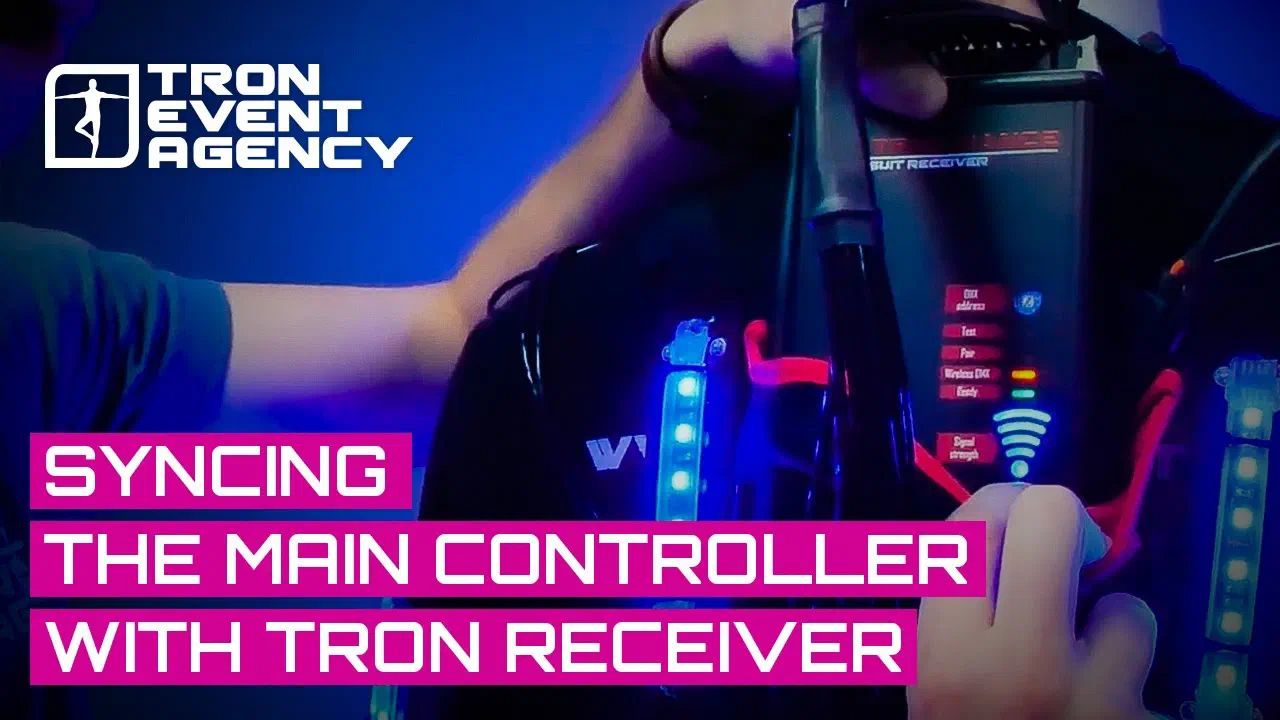
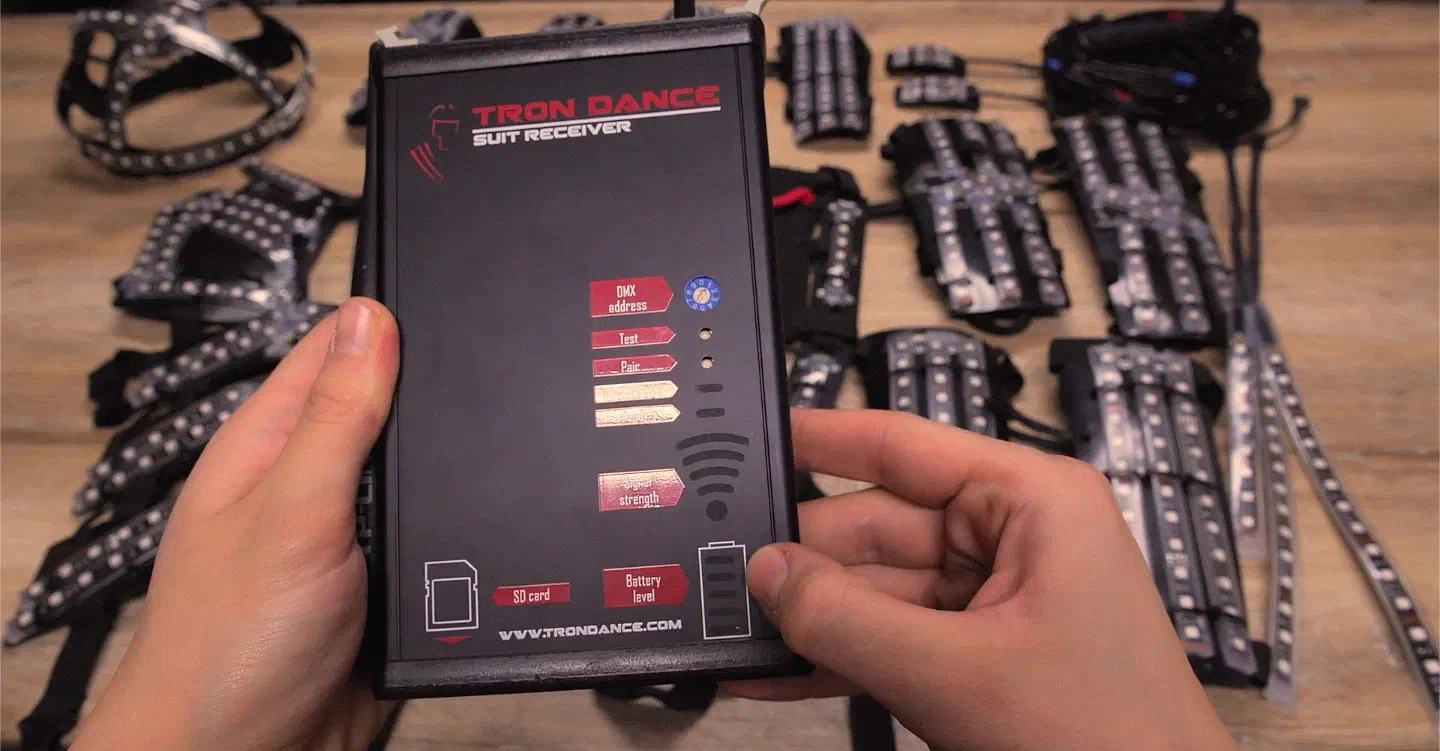
Link to this section: Receivers do not have/show signalIf you connect everything correctly you should see a blue light on receivers next to “WIFI strength”, if you do not see it, it means your receiver is not paired with the controller. If you want to pair the receivers with the main controller you need to hold the “pair” button for a few seconds (use something slim like a pen or screwdriver). On the receiver you should see a red light blinking, it means the receiver is searching for the signal. Repeat this on every receiver that you have, after doing this go to your main controller and just push the pair button once. It will start blinking (searching for receivers). In a few seconds, all receivers should be connected.
Dancers do not turn on/off when they should
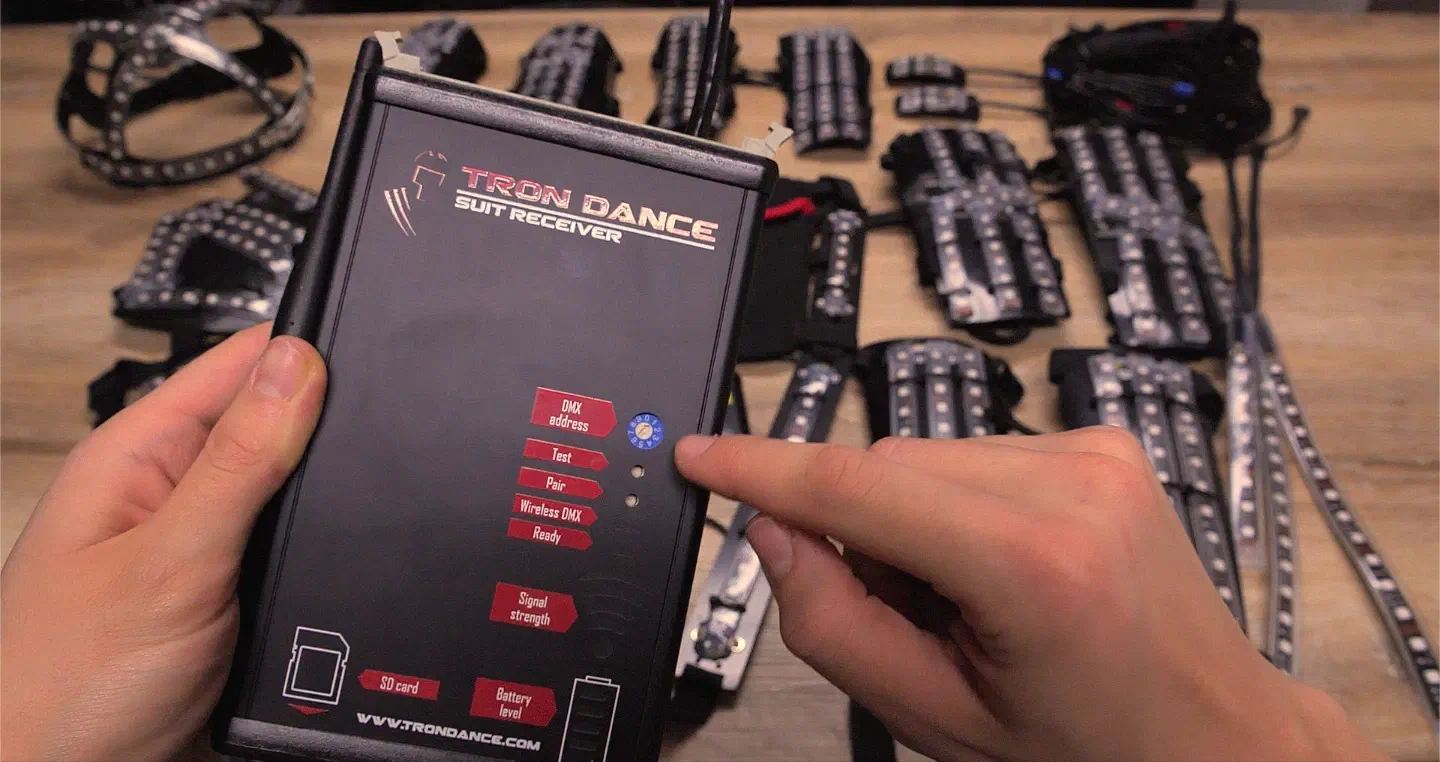
Link to this section: Dancers do not turn on/off when they shouldPlease check the number on the receiver if your dancer has the correct number (from 0-9).
Receivers do not show any signal
Link to this section: Receivers do not show any signalPlease make sure you are not too far from the controller, you should always see the blue signal.
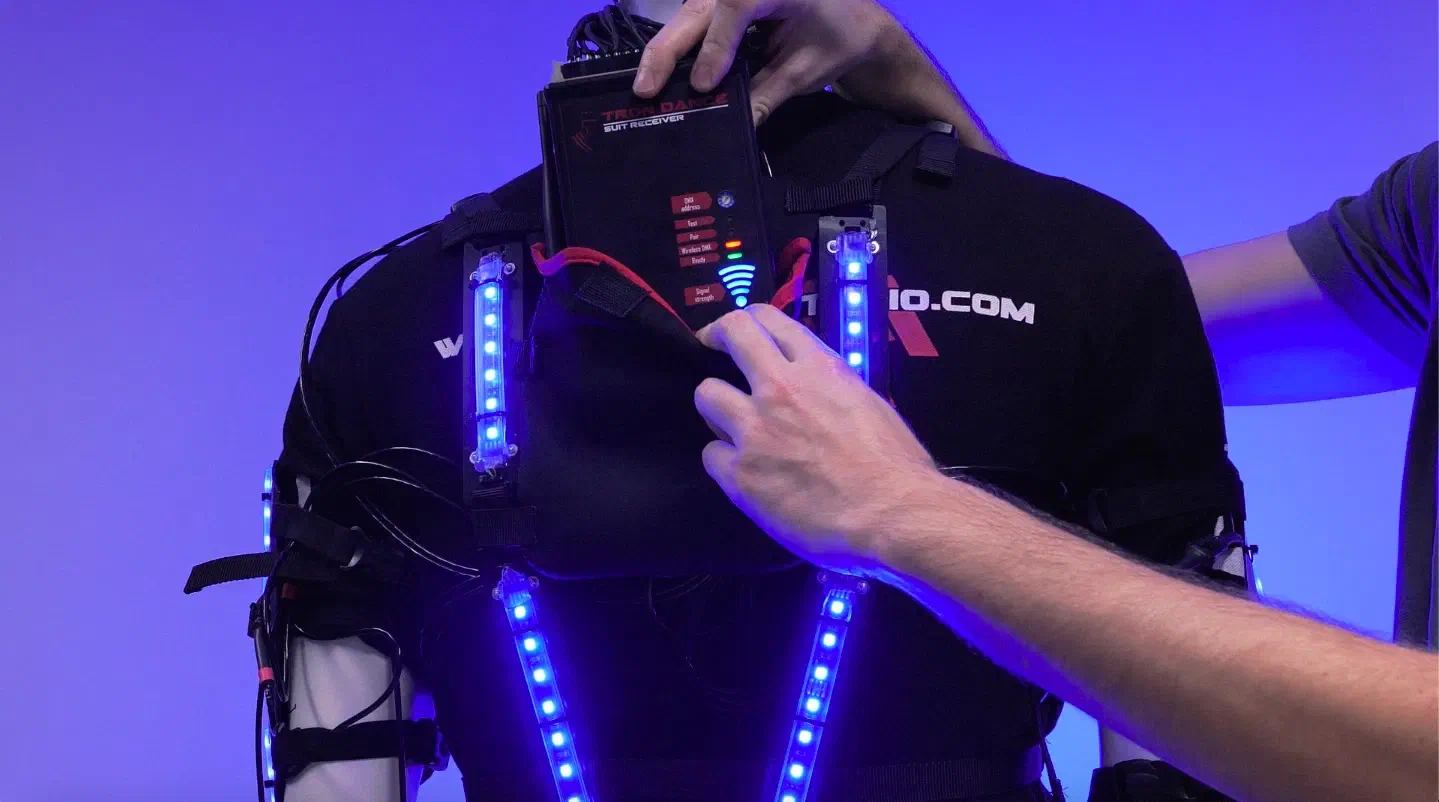
My battery light is blinking during charging
Link to this section: My battery light is blinking during chargingIt means you need to check/change the fuse on the battery because by accident, you connected it to the receiver upside down and now the fuse is burned.
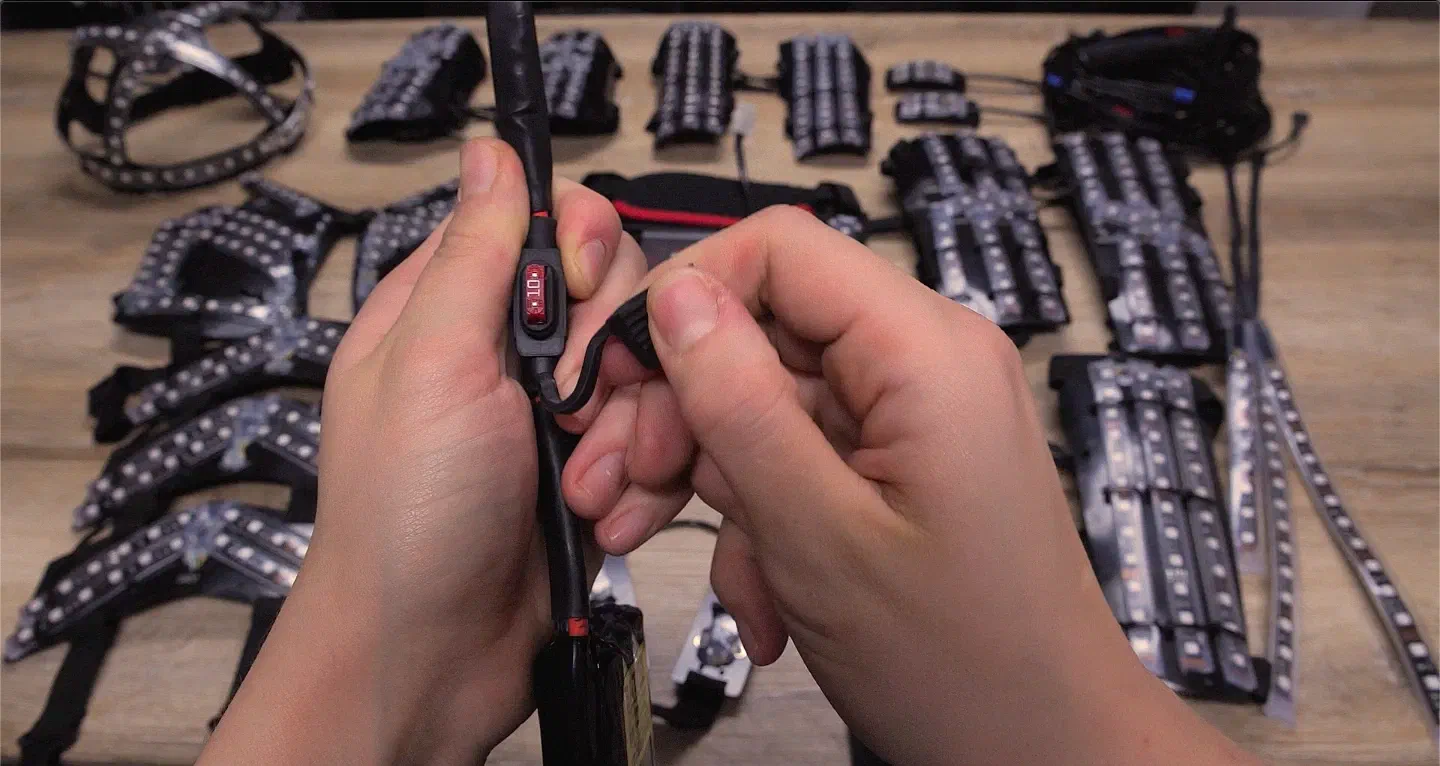
If this does not help there is a possibility you destroyed the battery by over-discharging and it was not charged again immediately, but after some time.
I cannot put the spiral cord into the receiver
Link to this section: I cannot put the spiral cord into the receiverPlease check all pins if they are in a straight position, if not repair them.
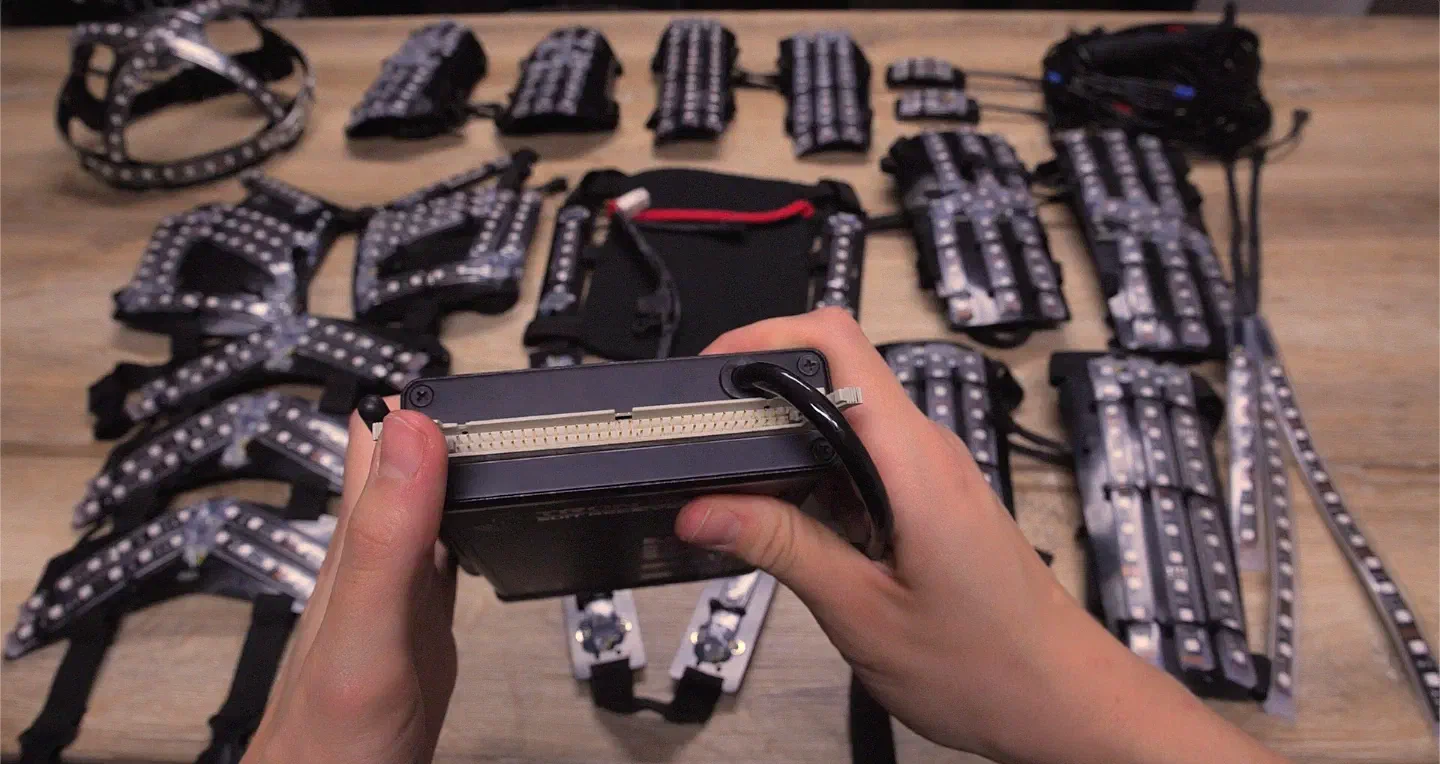
Possible suit problems:
Link to this section: Possible suit problems:Some parts of the LED suit are purple
Link to this section: Some parts of the LED suit are purpleIt means some of your RGB (red, green, blue) colors are damaged. This can cause multiple types of problem:
- Your pins in the connector are curved – straighten them and connect again.
- Your spiral cord is broken inside – there is nothing to do except for repairing/changing the cables.
- LED strips on the suit are broken – just change the strip.
The parts of the suits are turning on/off differently than I programmed them
Link to this section: The parts of the suits are turning on/off differently than I programmed themDouble-check how you connected your cables to the parts of the suit. Most probably, you connected some parts to different connectors. Double-check if each number on the cable agrees with the body part.
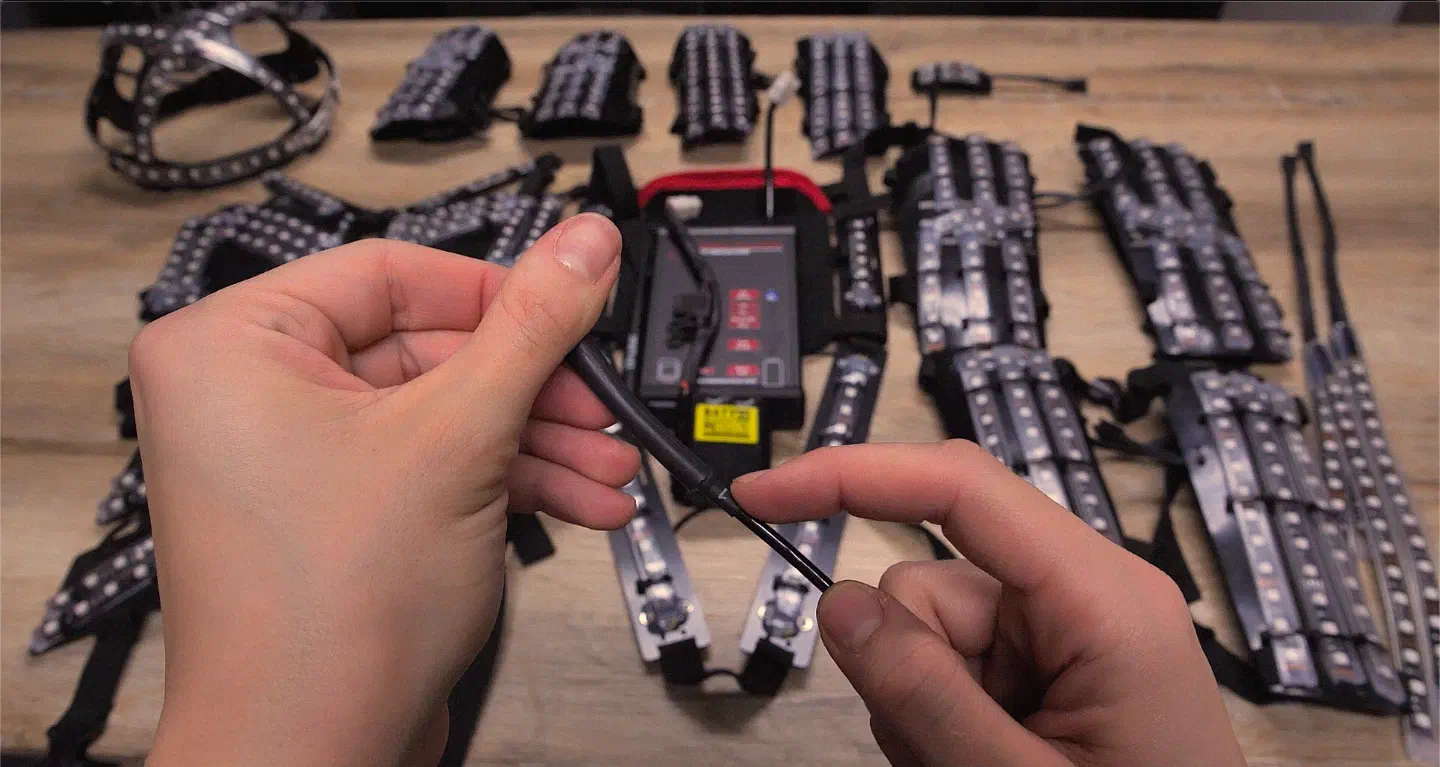
My dancers started blinking during show/rehearsal
Link to this section: My dancers started blinking during show/rehearsalPlease check if the battery is not very low. When the battery is too weak it can happen, just change the battery or charge it.
I hope this article helped you to find some solutions for your problems that can occur with LED suits. This all may look difficult, but it is not. It is like with driving, you will get the skill with practicing. ?
In case you need some more advice, do not hesitate to contact me HERE.