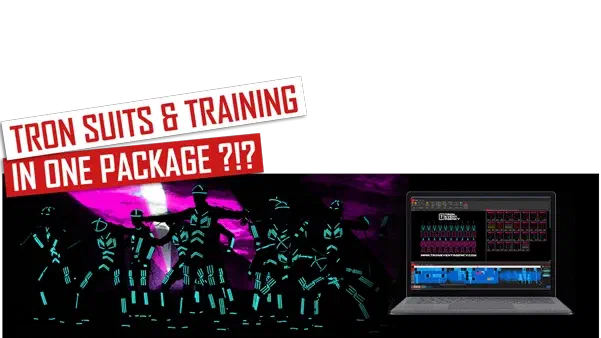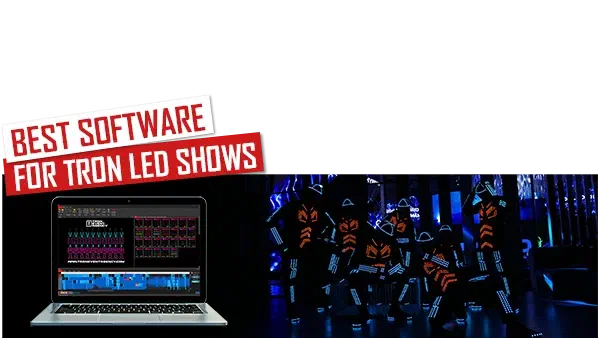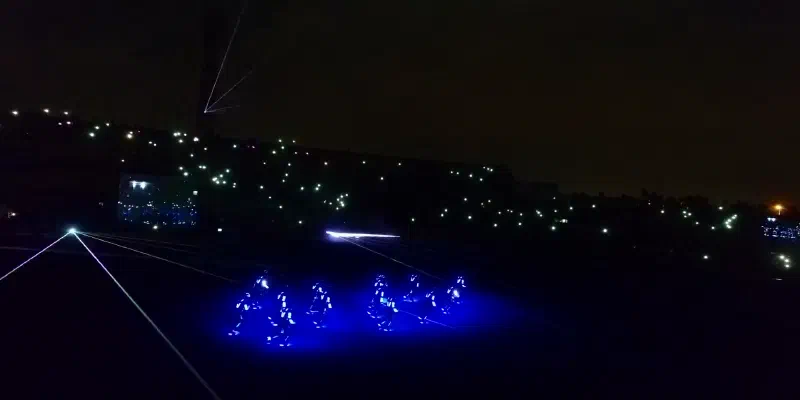
The control software is in my opinion the most important part of the LED dance control system. I think it is the tool, which makes difference between great and average LED dance shows.
We talked about LED suits and control hardware in our previous blog posts. And it’s definitely not an easy task to develop both to be reliable. But in the end it always comes to what you can actually do with the LED costumes. And this is where the controlling part comes in.
What control platform you could use to create LED dance performance?
Link to this section: What control platform you could use to create LED dance performance?To be honest, I don’t know what control system is used by other light dance groups. These are just my thoughts, what we would consider to use, if we hadn’t developed our special software. I also wrote down, what are the pros and cons of each control style.
1. Simple DMX console
Link to this section: 1. Simple DMX consoleThe first thing that would come to my mind would be using standard DMX console. I would create different scenes and chases using standard DMX sliders. Then I would do the whole show live by switching the scenes on the console. Of course, I would have to learn and train the music in advance. It could work…
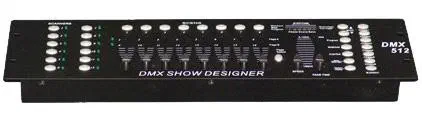
Pros: It’s usually cheap and simple to use.
Cons: Well to be honest, I don’t even know, where to start. Just 3 main problems – preparing all the scenes would be incredibly time consuming. Practicing the show would be time consuming as well. And the most important issue- every show you would do, would be unique. Since you have to trigger the scenes from your memory and match to the music- you would miss one note or music sequence change for sure.
2. Professional DMX console
Link to this section: 2. Professional DMX consoleBy professional I mean grandMA or similar. They allow to create music/time code synchronized DMX shows. This could work…
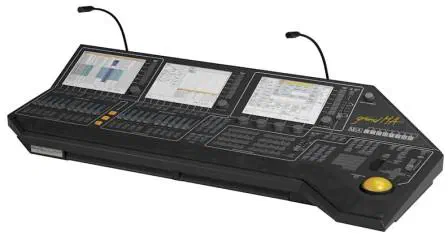
Pros: The timeline allows you to create precisely synchronized DMX/LED shows.
Cons: For the price of one such DMX console you could probably buy complete Tron Dance system with the LED suits from us or some other company 🙂 … The show creation would be again quite time consuming. And this is maybe only my problem, but I don’t have a clue, how to use such consoles. They are quite complex and maybe a bit complicated for most of the people to use.
3. Simple DMX control software
Link to this section: 3. Simple DMX control softwareThe one I know is Freestyler. But there are many other programs available. It’s basically the same as the simple DMX console. You would probably have to program all scenes and trigger them manually using your keyboard or mouse. But this could be a bit cheaper than DMX console…
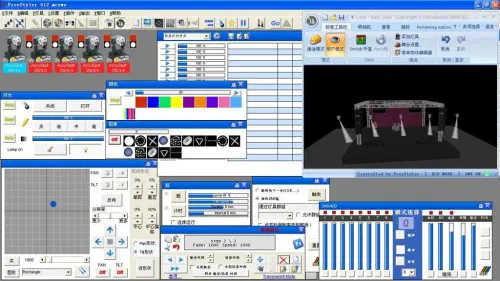
4. Advanced DMX software
Link to this section: 4. Advanced DMX softwareThere is one I know and it’s called Sunlite. If we hadn’t developed our own software, this would be probably the tool we would use to program LED dance performances. It allows you to create scenes. And it also contains timeline feature, where you can mix different scenes and synchronize them with music. And after you’ve created the show, it will be the same all the time when you hit play.
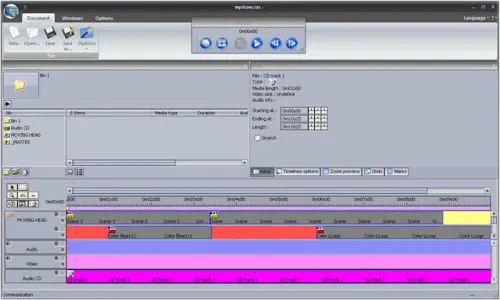
Pros: Timeline allows you to create complete music synchronized show.
Cons: You still don’t have an idea about how the final show will look like. You can only create scenes using DMX sliders and then mix them in timeline. E.g. if you use 16 separate parts for each LED suit, you need to handle 48 DMX channels in every dance scene. Using only 5 dancers you have to handle almost 250 DMX channels in every second of your show. Probably using some tools it might become easier. But I think, it is also quite complicated way of creating great Tron Dance shows…
Why consider using specialized LED dance software?
Link to this section: Why consider using specialized LED dance software?Generally all 4 ways I’ve described are quite complicated. And the worst part – time consuming. That’s why we’ve developed our own special software called LED Strip Studio. And I’ll talk about, why we decided to use this software in my next post.