 By Tron Event Agency
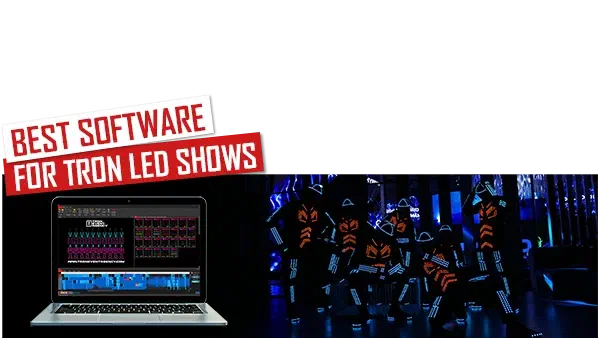
Maybe you are considering buying or making your LED costume and looking for the best software for LED Tron shows. You should stop wasting your time and download free LED Strip Studio software, which is the best software to make your future show.
Let’s take a look, why LSS is the best software for You
Link to this section: Let’s take a look, why LSS is the best software for You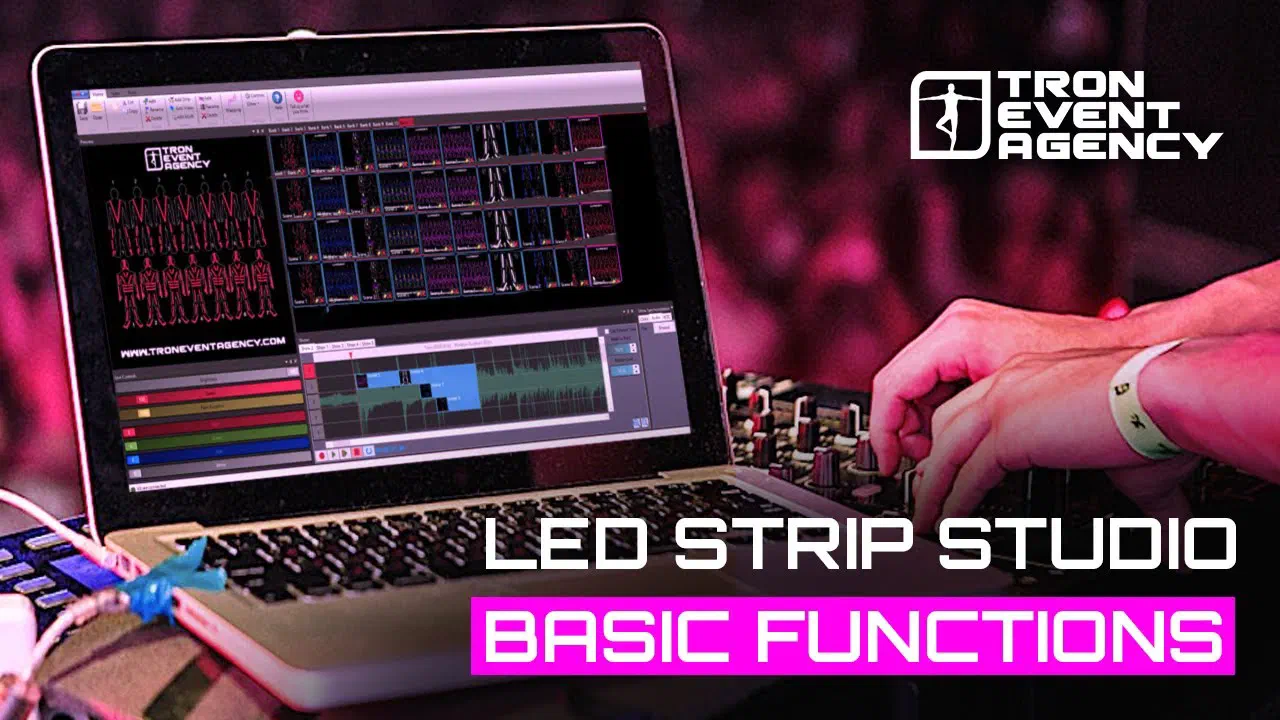
Creating effects in real-time
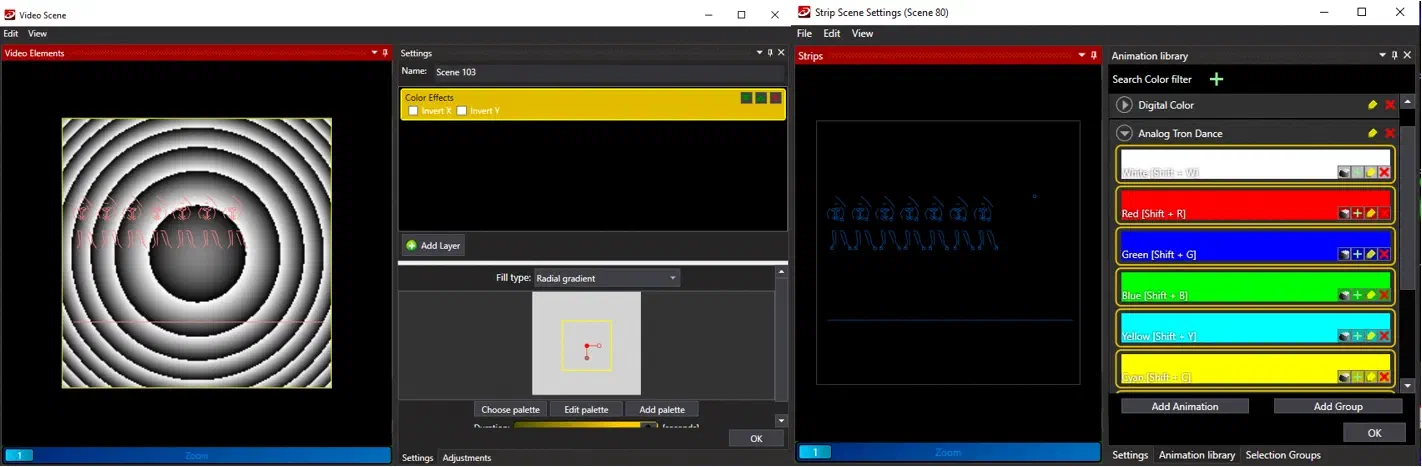
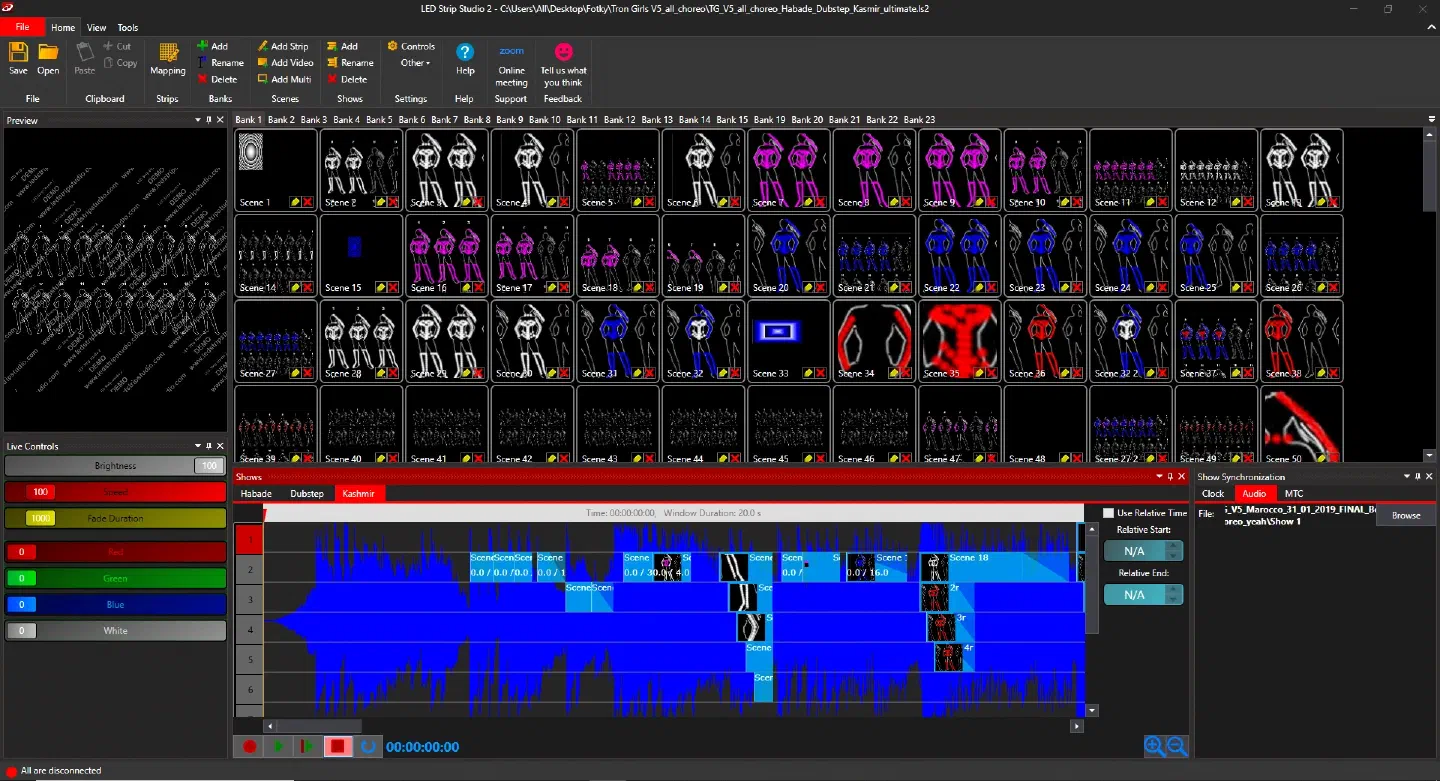
Link to this section: Creating effects in real-timeLSS software is offering a very simple process of creating effects, it doesn’t matter if you are looking for video effects or just simple color effects. If you already have an idea about the visualization you can create effects in “offline mode” (which means you are not connected to the controller) and see them in the preview window. If not, just connect hardware to PC and you will see everything in real-time. What is also really speeding up the creation is the ability to quickly copy and paste animations between the suits in banks but also on a timeline.
Timeline synchronization with music
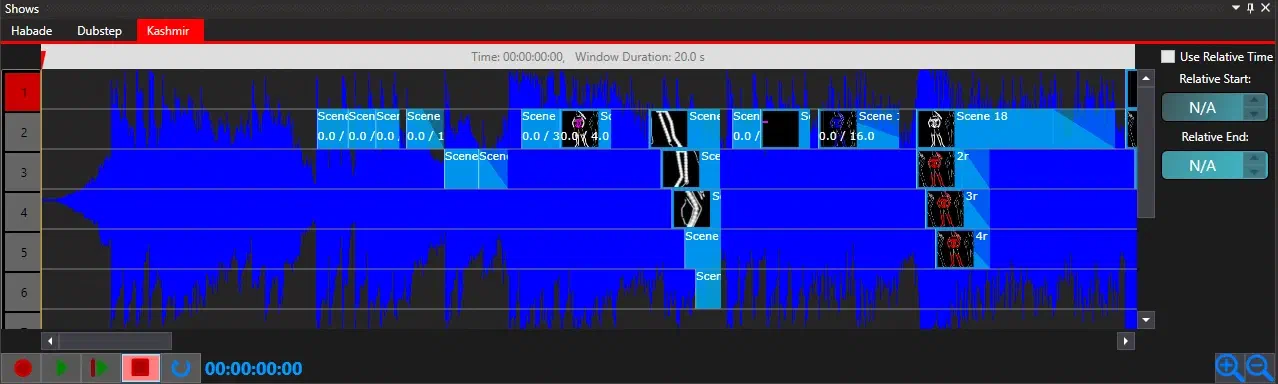
Link to this section: Timeline synchronization with musicIt allows you to precisely synchronize your scenes with the music. Using the timeline is pretty straightforward. Just drag and drop the scene from the bank onto one of the lines and set its duration with the right button of the mouse. We are using the Timeline feature the most when creating LED dance shows and mixing multiple scenes. It allows you to organize the workspace scenes for each suit and then mix them as required. What also saves a lot of time is the ability to define fade in and out for each scene in the show or the functionality of using relative time that helps you set up how many beats you want to show.
Stable software for any live event
Link to this section: Stable software for any live eventBecause we are doing shows on our own, our top priority is software reliability, because there is nothing worse during the event than not being able to do the show on time for the client or having a malfunction during the show. This is the reason why we made LSS very stable and we don’t need to have headaches before the show.
Additional important features worth noting:
Link to this section: Additional important features worth noting:In case you made your own suits, you can define the custom design and work with it in LSS.
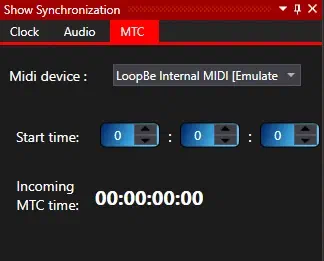
Midi MTC synchronization is good for TV shows, festivals, or big opening ceremonies, so you can synchronize additionally LED screens, beam lights, or lasers.
The speed of operation. If your client requests some changes at the last moment, it’s really no problem to change the show or colors of effects in a few minutes.
Visualization – we never create shows with dancers. We usually just sit with the choreographer and we prepare the show completely using the software only (requires previous experience).
Limits or I should say no limits – you can use as many suits as you need. Just add additional LSS controllers and you can create shows for 20, 30, 40 or more dancers…
Support when you need it
Link to this section: Support when you need itBecause we are making everything in-house (hardware and software) we can answer every possible question that you will have. There is nothing easier than writing us an email or a message on WhatsApp and we will help you solve your problems.

If you have any questions, don’t hesitate to contact us immediately.