 By Tron Event Agency
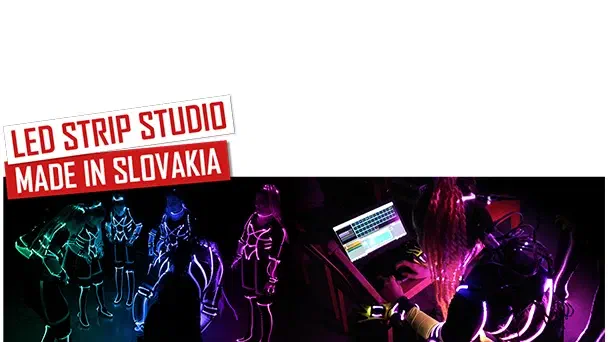
LED Strip Studio, made in Slovakia
Link to this section: LED Strip Studio, made in SlovakiaI am being asked very frequently, if LED show programming is difficult, and what is the best way to program a successful show. I am going to write in this blog, what you can expect from show programming and a few basic steps on how to make it happen. There will be also a tutorial video attached in the article.
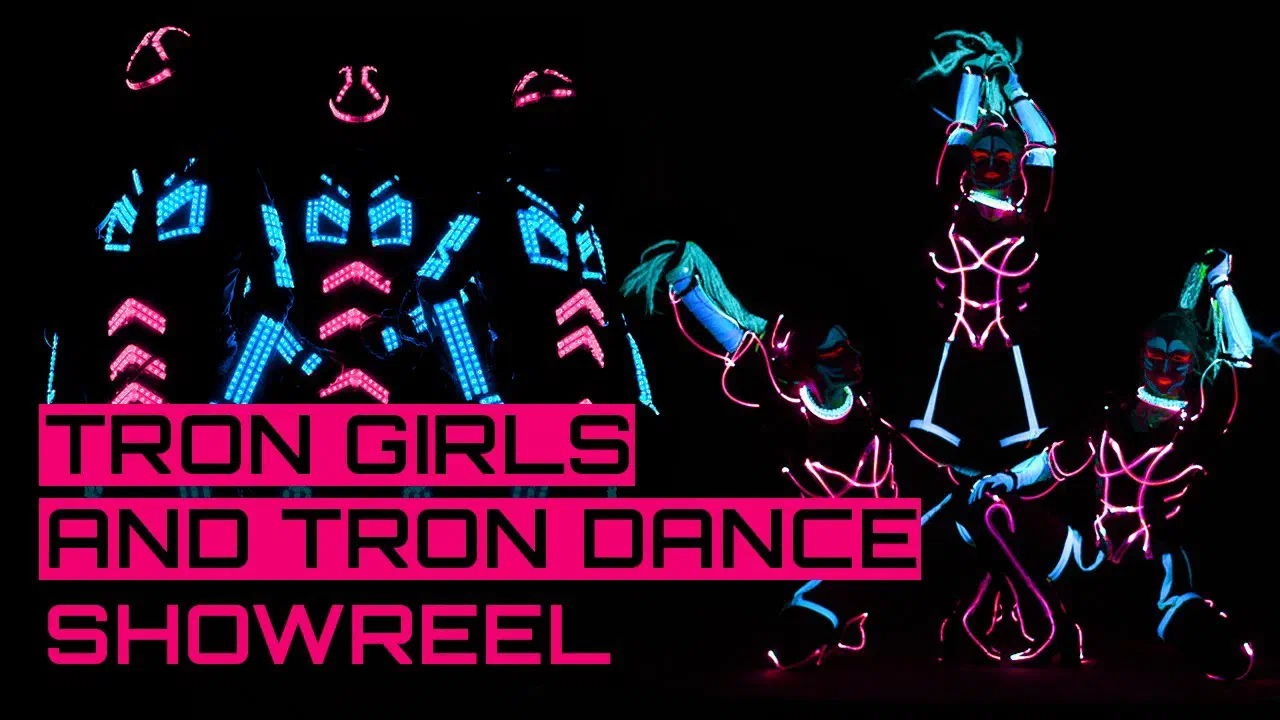
LED Strip Studio software was made in our home country Slovakia. We made this software for LED shows. Apart from the shows, you can use the software for programming LED lighting on buildings, TV studios, discos – just everything, where you can install analog, digital or el wire technology. You can use it in many ways. The first version of LSS was made in 2010, and we are still doing updates to improve customers’ experience. In the last version, we improved graphics, made faster programming possible and added a very important new function: you can control RGBW strips, which is not very common in other software. Ok, let’s start to write about features that are important for Tron Shows!
How to start?
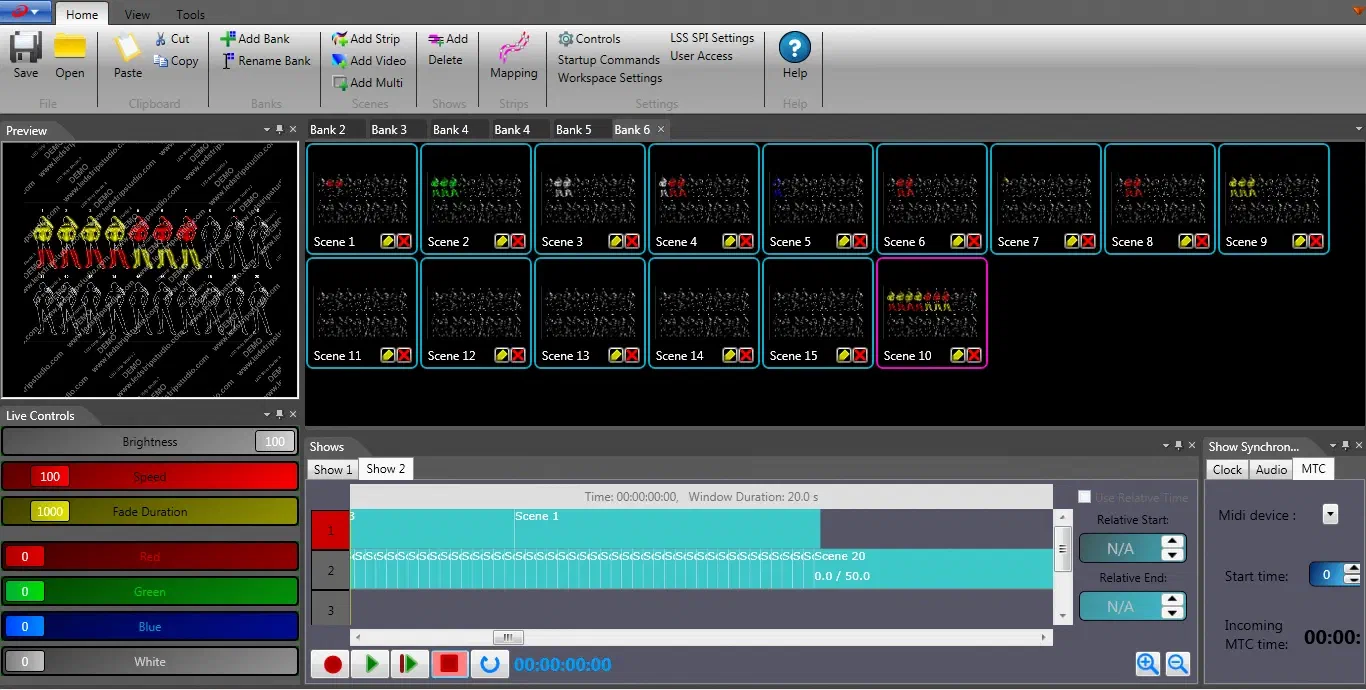
Link to this section: How to start?The first step is very easy. You can download the latest version of the software from our webpage or just click here. When the software is installed, download the workspace here and open the “.ls2” file.
Now you can try the LED programming by yourself. The trial version is available for 10 or 30 days. You can do everything like in the full licensed version during this time. After the trial version expires, you can’t open it without the activation key. That means, you need to buy our control system, which includes the software licence.
Show programming
Link to this section: Show programmingThe next step is to add your own music to the timeline, so you can see all beats. LSS supports .wav but you can also import .mp3 and the software will convert the song automatically.
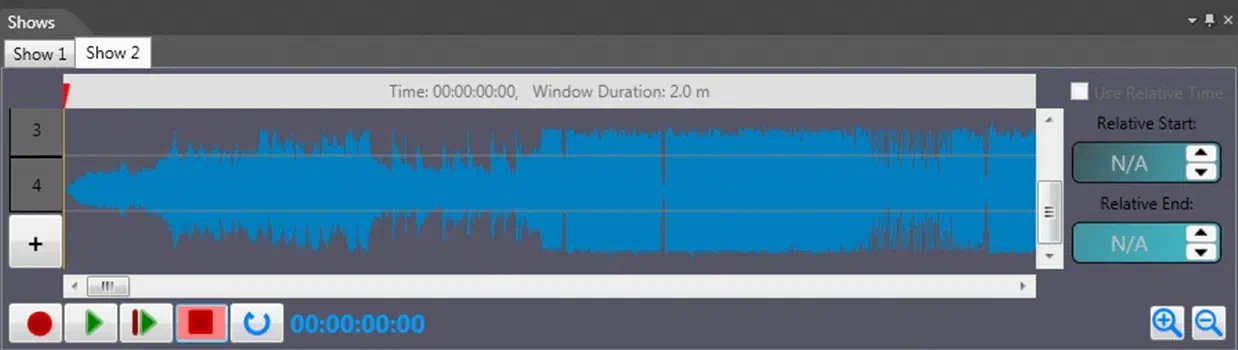
When we got this, we can create the banks and pick the effect that we want. This new effect that we made – we put into the timeline by simply grabbing the scene with your mouse and dropping it to the timeline. Exchanges of the scenes are made by the right mouse button.
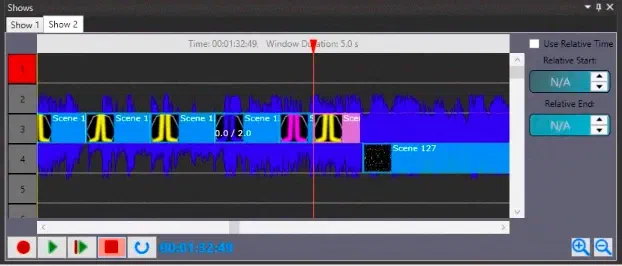
Step by step we create the show. We have 2 options: first option allows you to create the color effects, in the second option we can add a video scene.
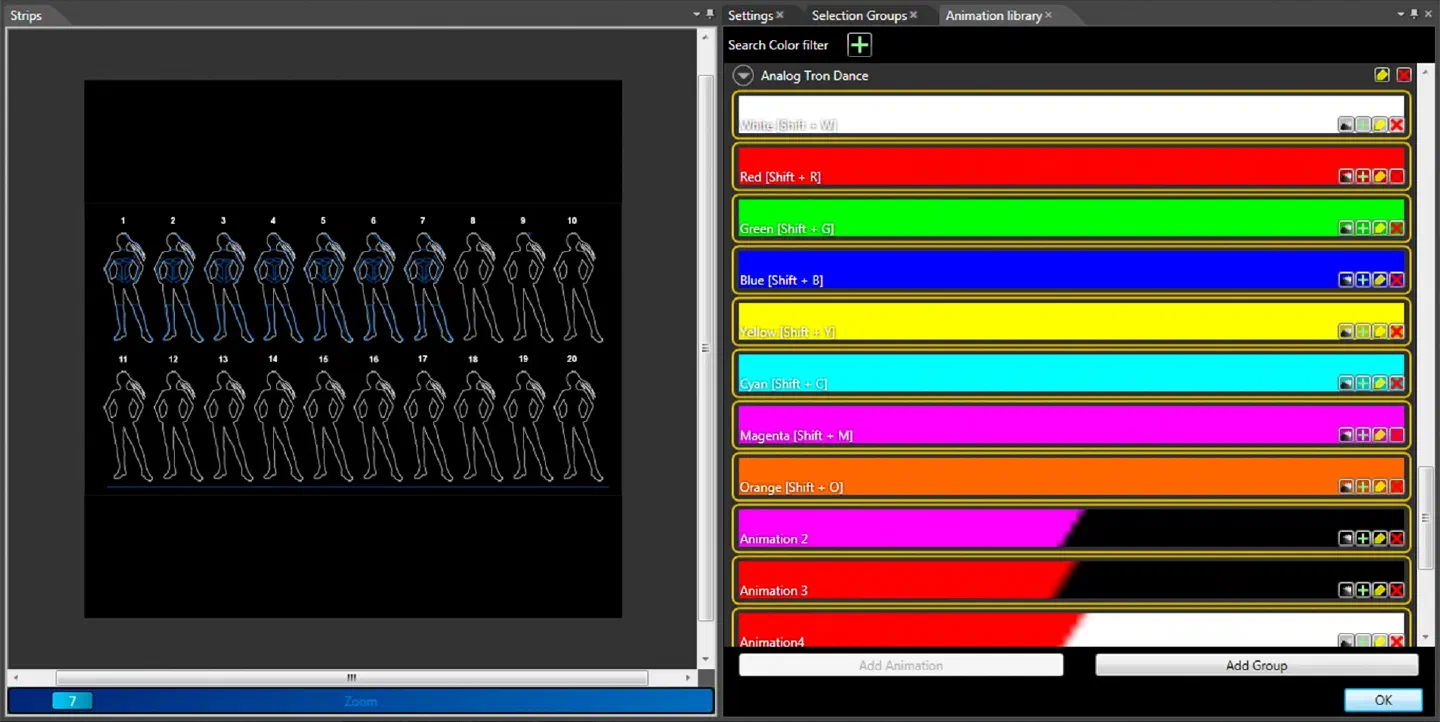
You can check everything that you programmed anytime you want in your PC, without connecting to the LED controller. In the software, you can see what you have already programmed and how the suits turn on and off in real time synchronized with the music. When the show is ready we can connect the suits to the LED controller and check, how the show looks in reality.
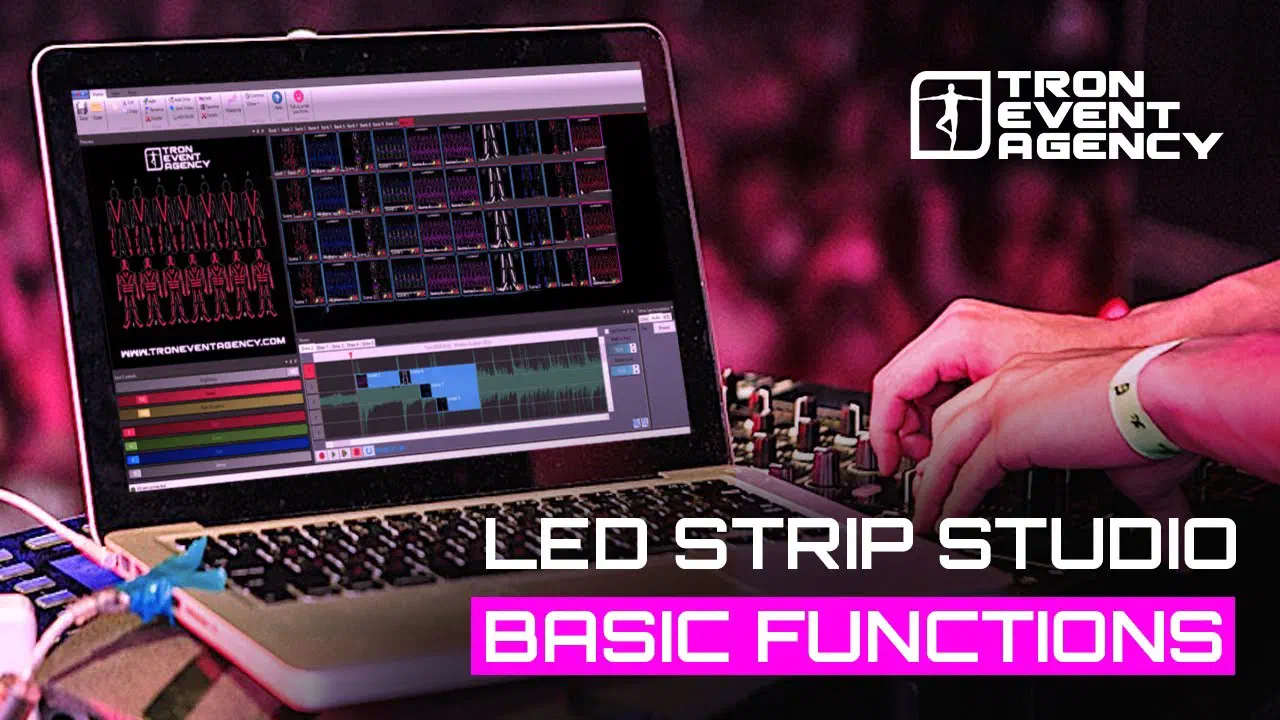
When you do it for the first time without any experience from other video or music software, it can be confusing. The most difficult part is to learn how to make your own scenes and correctly use them in a timeline. What everybody needs to learn is what the effects look like in reality. Sometimes the effects that look great in the software are not so nice when you play them on the suits. Also color combination is very important, it doesn’t look good if you use all colors that exist and you create a rainbow with the suits. Some color combinations fit together much better compared to others. You can have a small problem if you “can’t count the beats” because it is the most important thing, to fit the effects to your music precisely. You can always check the time on the timeline which is great. You can boost your work using shortcuts in the software. It’s really helpful and the possibility of customization saves time. You can check all basic steps of how to program the show in our tutorial video.
Our software pros & cons
Link to this section: Our software pros & consPros
– customized positions of the preview, timeline, workspace in software,
– live preview,
– automatic conversion from .mp3 to .wav
– a lot of options for creating a scene,
– unlimited number of shows that you can create,
– very stable software without any “fatal errors”
– as many licenses as you need,
– working on low-end computers,
– synchronization with LED screen via timeline,
Cons
– there isn’t an undo button
– mapping is time consuming but end users are not using this feature (your suits are already mapped in the workspace),
– changing the name of the show is quite complicated
Do you have any questions? Do not hesitate to contact us on our website!