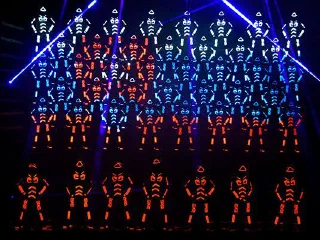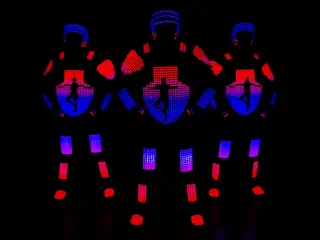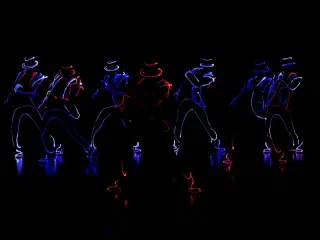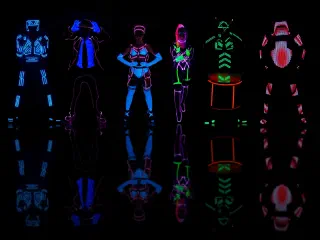
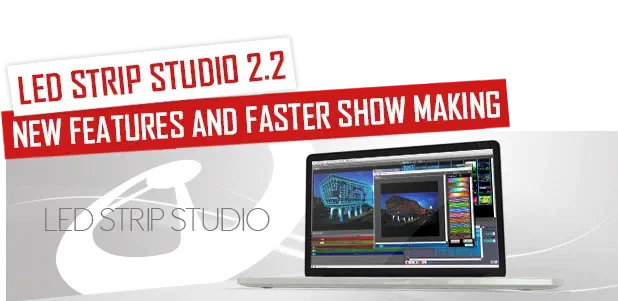
In this article, I’ll talk about new features in our LED Strip Studio software, which allow you to create new LED dance performance choreographies a lot faster. All the new features were requested by dancers, choreographers and LED performance programmers.
In this video, I would like to show you new features, which will show you how to create Tron Dance / LED Dance Shows faster and easier in the latest version of LED Strip Studio software:
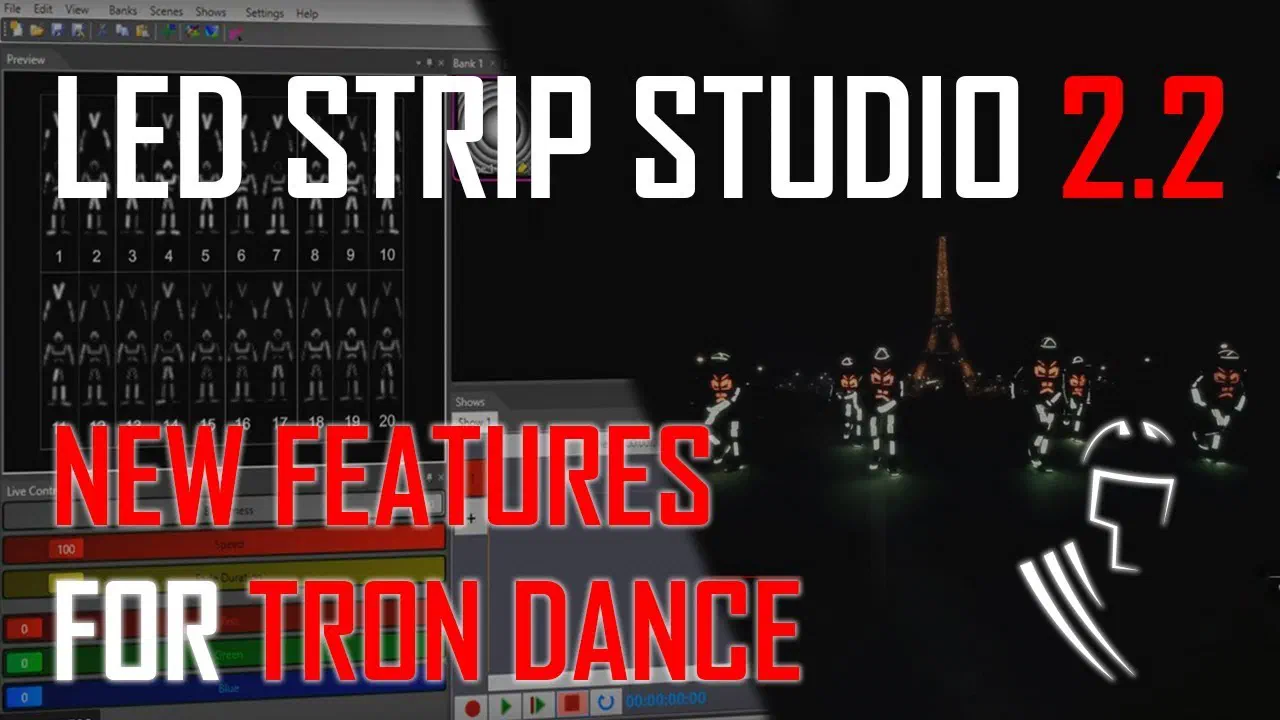
This is the list of the features with detailed explanation:
Link to this section: This is the list of the features with detailed explanation:New synchronization panel
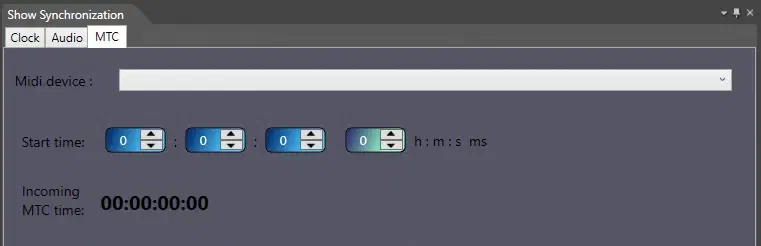
Link to this section: New synchronization panelNow all the synchronizers are active at once. You can e.g. load an audio file, but use Clock synchronization to play the show without the music. It’s sometimes good before the show when you just need to check in the backstage, whether the show is working without the audience hearing the sound.
But more important meaning for this feature is switching between MTC (Midi Time Code) and audio synchronization. Especially if you’re synchronized to external timecode source, sometimes you need to play the show with the music just for yourself, to do some finetuning. This will allow you quickly switch between both types of synchronizations.
I forgot to mention in the video, the synchronisation, which is selected in the Show Synchronization window, is the one active.
Automatic mp3 convert
Link to this section: Automatic mp3 convertLED Strip Studio allows you to display the waveform of the audio file in the background of the show panel. It allows you easier and faster navigation of your events in the show. In the latest version, the mp3 file is automatically converted to wav file for you.
Preview size of scenes and height of show tracks
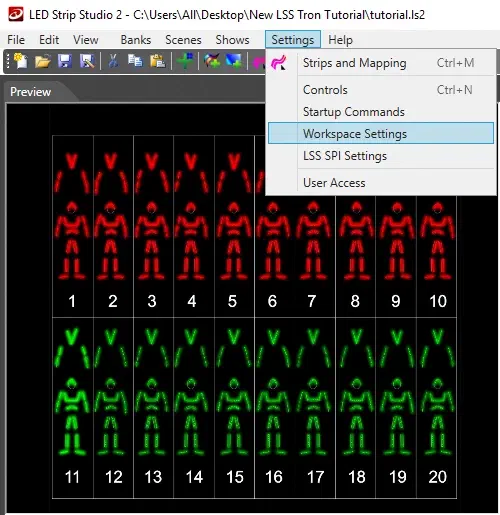
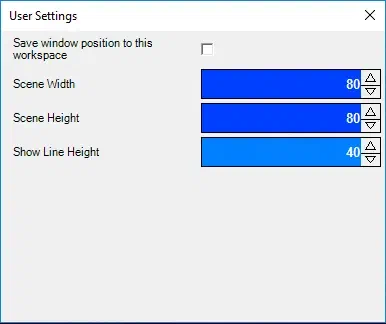
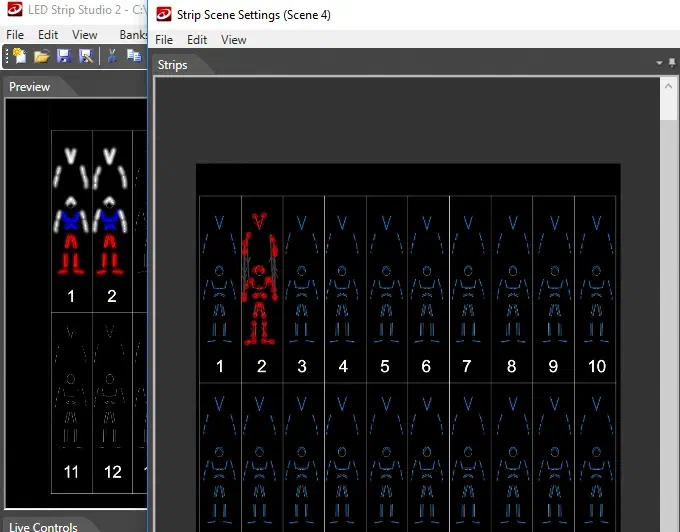
Link to this section: Preview size of scenes and height of show tracksYou can now change the size of the preview of scenes in banks. And you can also change a height of the tracks in show. It’s important especially for show-player computers with small screen resolution. Typically for full HD displays, you don’t need that, but the typical 1366×768 is really pain to create something.
Animation library and hotkeys
Link to this section: Animation library and hotkeysThe animation library is probably the most used tool when creating Tron dance shows. It saves so much time. The only problem was, it was a bit slow to use. Before you had to select multiple strips (parts of the body), look for the animation in library and press the assign button. It’s not that bad, but when you create led dance show often, it’s slowing you down.

The new feature allows you to assign the hotkey to each of the animations in the library. We usually use Shift button and the starting key of the color (e.g. R for Red, W for White, …) as hotkeys. In the default library, we supply with the software, all the basic colors are already assigned.
Selection groups
Link to this section: Selection groupsNow, this is probably the greatest feature to speed up your led dance show creation process. It allows you to create and store your own selections. Typically, you’ll have one selection for every dancer. But in case you want to use many hand/leg appear/disappear effects, you can store as many selections as you need. The great feature is also ability to assign the hotkey to every selection. This will allow you to not even use mouse when creating scenes. Now we typically just choose the dancer with the hotkey (e.g. Ctrl + 1) and then use select animation library item hotkey (e.g. Shift + R for Red) and the red scene for the first dancer is finished. How long it took? Two seconds? 🙂
Copy/paste complete suit animation
Link to this section: Copy/paste complete suit animationWe strongly recommend you create the selection groups in order. It means you select the suit parts in the same order always. This will allow you to copy and paste the whole suit animation from one dancer to another. Again, it saves so much time. Before you had to copy every part of the body separately – imagine creating the show for 20 dancers like that …
More features and improvements
Link to this section: More features and improvementsThe latest version of LED Strip Studio is even more stable than it was before. We’ve also rewritten a great amount of rendering pipeline within the software, which leads to better performance. E.g. now you could use 200000+ LEDs for your digital suits and the computer won’t even notice…
There are also new export features for new LSS SPI controller, which is a great option for digital LED suits. But we’ll talk about that in some other article 🙂 …
For more inspiration don’t hesitate and contact us via email or follow us on our social networks – Facebook and YouTube.